
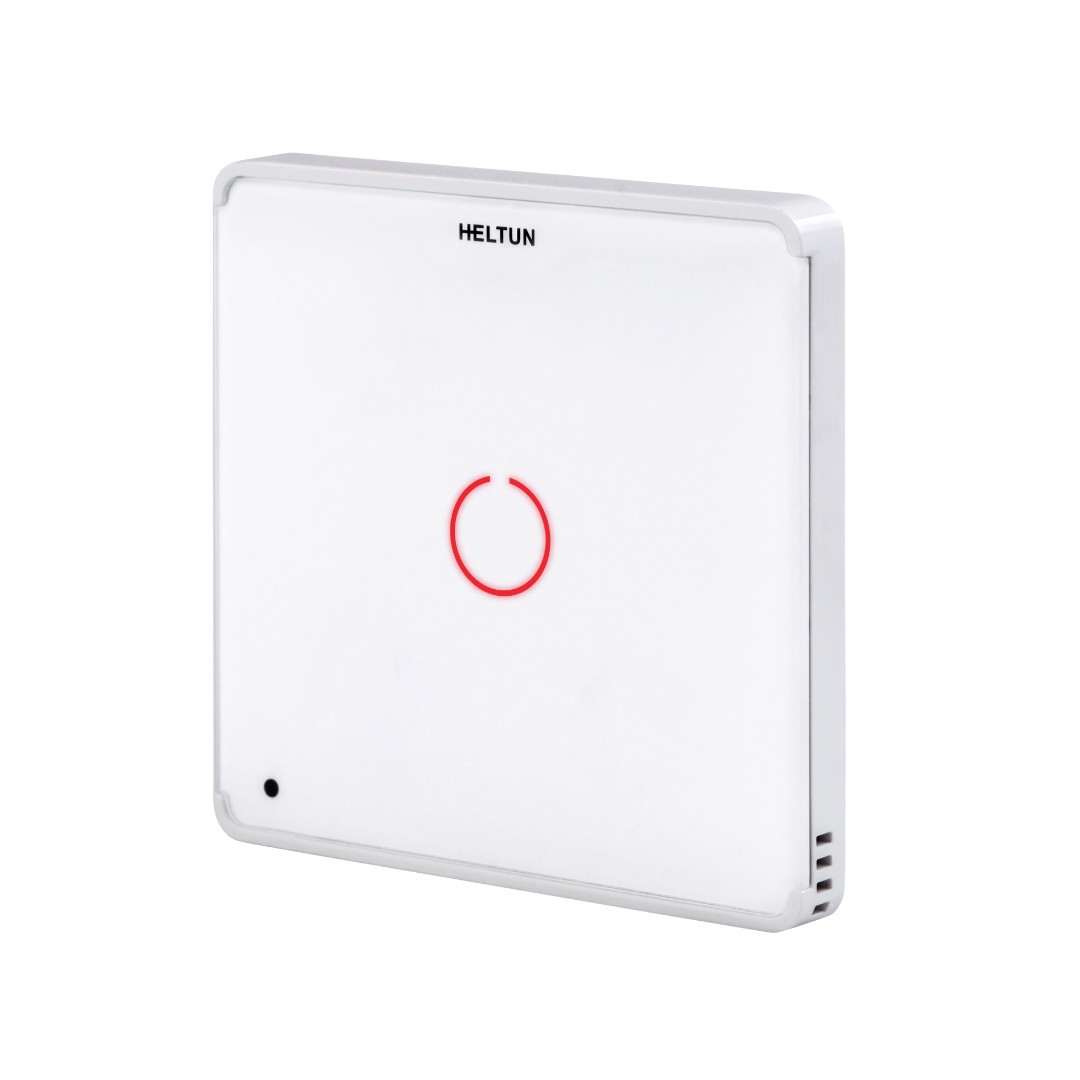
HELTUN HE-TPS Advanced Programmable Touch Panel Switch brings "Impossibly Smart" capabilities to your home lighting, electric outlets, or motorized blinds, door locks, gates, and valves. It replaces an existing in-wall switch and brings over-the-Internet monitoring, control, and advanced programmability. The Touch Panel is "Impossibly Thin" on the wall yet packed with features to provide the ultimate in control and convenience.
Controls 1 AC or DC device
Don’t buy extra sensors: ambient light, humidity, and room temperature are already included to create custom scenarios
Auto adjust backlight brightness based on ambient light level
Adjust touch sensitivity the way you want
Work with any Z-Wave hub: you’re free to integrate it into your existing system or create your own based on your personal requirements
Compatible with: Aeotec, ComfortClick, Eedomus, Ezlo, Fibaro HC LITE, HC2, HC3, Jeedom, Home Assistant, Homey, Hubitat, RazBerry, SmartThings, Thinka, Zipato gateways and Z-Wave JS library
Specifications
Front frame dimensions: 89x89x9mm
Back dimensions: 53x53x28mm
3 frame colors: Silver, Black, White
2 glass colors: White, Black (Yellow, Green, Red, Blue on request)
1 sensitive capacitive touch button
Red and blue color LED back light for the button
10 adjustable brightness levels for the button backlight
Power supply: 85VAC – 265VAC, 50Hz/60Hz or 24-48VDC
1 relay with resistive load of up to 5A
1 relay input, dry contact type
Relay life time: 100 000 switches
Z-Wave Frequency: All countries
Z-Wave SDK: V7.11.1
Z-Wave Plus module: ZGM130S
Features
Security levels: Non-Secure, S0, S2, S2 authenticated
Smart Start inclusion
Independent control of the relay and LED
The relay can be controlled by the touch button or via a Z-Wave network (Z-Wave controller)
The touch button can be used to run scenarios
The button backlight can be configured to indicate the state of relay output, touch button, associated device, mode of connected gateway
Embedded ambient light sensor
Embedded room temperature sensor
Embedded humidity sensor
Software energy consumption meter logic
Adjustable LCD brightness: Auto or Manual
Child lock
OTA firmware updates
Manual change of frequency
Button Configurations
The touch button can be configured to control the relay output state as follows:
press the button and the relay output goes to an ON state only
press the button and the relay output goes to an OFF state only
press the button and the relay output inverts the state
press the button and the relay output goes to ON for the specified time, then changes back to OFF
press the button and the relay output goes to OFF for the specified time, then changes back to ON
when the button is held the relay output is ON, as soon as the button is released, the relay output state changes to OFF
when the button is held the relay output is OFF, as soon as the button is released, the relay output state changes to ON